iDock

iSteve

R.I.P STEVE JOBS 1955-FOREVER [PHYSICALLY GONE, MENTALLY STAYED.] THANK YOU STEVE FOR BRINGING THOSE GENIUS iDEVICES AND TURNING THE WORLD INTO THE COLORFUL GLOBE AND YOU'RE FOREVER MISSED.

Thursday, April 19, 2012

Working Title of Steve Jobs Film Starring Ashton Kutcher is 'Jobs: Get Inspired'


The working title for the independent Steve Jobs film featuring Ashton Kutcher is 'Jobs: Get Inspired'.

The film's producer Mark Hulme of Five Star Institute spoke to Neowin about the project.

Joshua Michael Stern is known for directing the comedy Swing Vote. Why was he picked to direct Jobs?
We wanted a director who could not only buy into and execute our vision for the film but could also work within our framework as an independent film company. After several meetings with Josh we were confident we had found both a brilliant and collaborative director. As an experienced writer and director Josh has a masterful understanding of the process of film making.

Ashton Kutcher is, obviously, a huge Hollywood actor and he must have his pick of projects to choose from. First, why do you think he is your choice for playing Steve Jobs?
Since our film covers the early years of Apple, when Jobs was in his 20's, we needed an actor who could carry not only the youthfulness of Jobs at the time but also the psychological complexity. Because of that, and Ashton's physical similarities to Jobs, he's perfect for our film.

Second, was it hard to get him to agree to play the role in a relatively small independent film about Jobs' life?
When Ashton read the script he was immediately attracted to the project. He is a Steve Jobs and Apple fan, and is technologically savvy, as well, so he recognized the historical importance of Steve Jobs and the potential of the project. He is very excited to have the role.

The movie is scheduled for release during the fourth quarter of this year. You can read the entire interview with Neowin at the link below...

Read More [via Cory]

Pod2g Has All Exploits Required to Release Jailbreak of iOS 5.1


Pod2g has announced that the Chronic Dev-Team now has all the exploits required to release a userland jailbreak of iOS 5.1.


Wednesday, March 14, 2012

Sn0wBreeze Gets Updated to 2.9.3 Bringing Additional Fixes

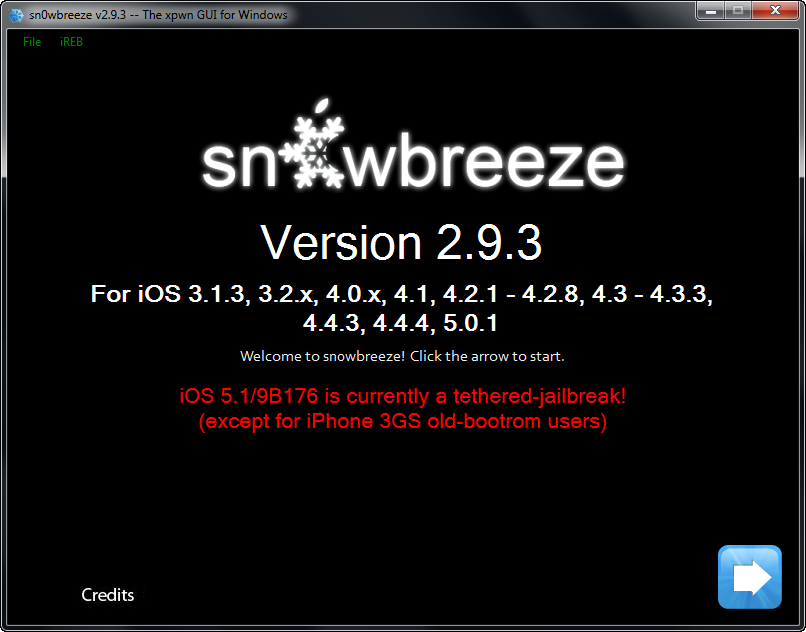
H8snow has updated to version 2.9.3, bringing Apple TV support for 4.4.3 and 4.4.4. A bug fix on iOS 5.0.1 was also fixed in which users would not be able to boot properly in rare occasions.

What is New?
-Added Apple TV 2 support for iOS 4.4.3/4.4.4.
-Fixed rare issues with iOS 5.0.1 where it would halt on the Apple upon boot.

Just adding this in mainly for users who dumped their SHSH blobs. On the initial boot, the Apple TV may have a black screen for 60 seconds after setting up the Apple TV. This is normal.

You can download Sn0wbreeze form the link below...

Download sn0wbreeze v2.9.3

Unlock Your iPhone 4S Without Jailbreaking Using the Gevey Ultra S [Video]

Gevey recently announced the Gevey Ultra S SIM interposer which unlocks your iPhone 4S without the need for dialing 112 or jailbreaking. The makers claim to be using a new exploit that 'fully unlocks' your device.

We've had to opportunity to test the device and can confirm that it successfully unlocks the iPhone 4S on 5.0 and 5.0.1. The Ultra S does not yet support 5.1 so those who have updated (against all warnings) are out of luck for the time being. However, the team says they are "currently working diligently to unlock 5.1".


Take a look at the video below for instructions on how to use the Ultra S. It can be purchased from the link below for $59.99.


For more news on any future unlock solutions you can follow iClarified on
Twitter, Facebook, or via RSS.

Monday, February 20, 2012

How to Sync Multiple iTunes Libraries to Your iPhone Using MultiTunes

Step One
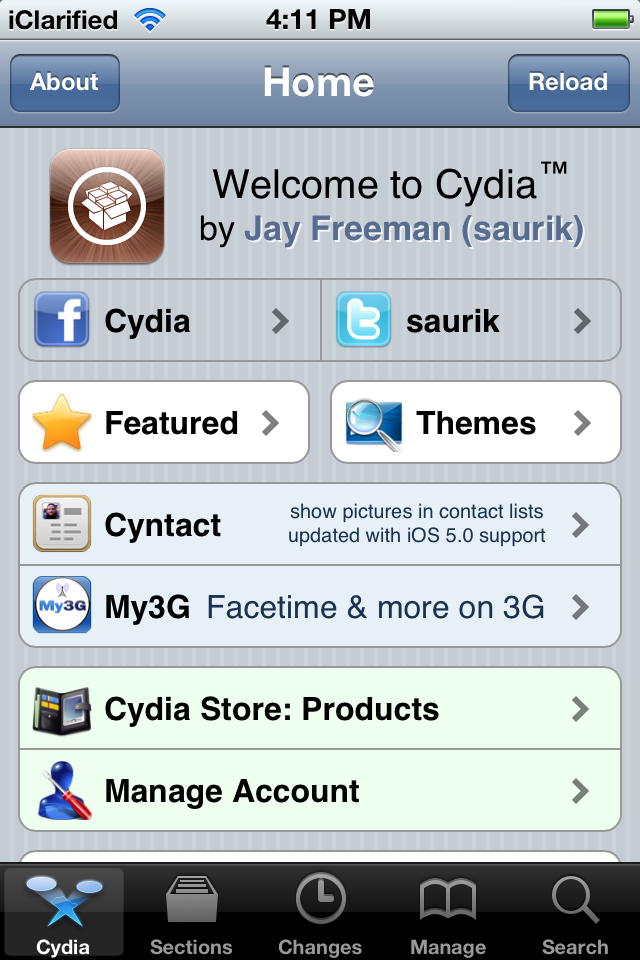
Launch Cydia from your SpringBoard.


Step Two
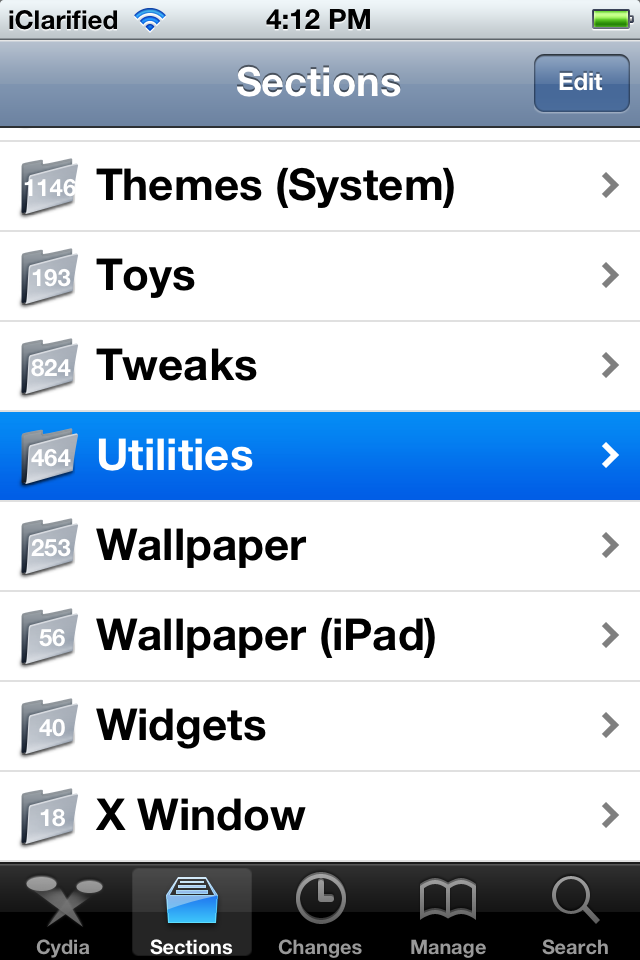
Tap to select Sections from the tabs across the bottom of the screen.


Step Three
Select Utilities from the list of sections displayed.


Step Four
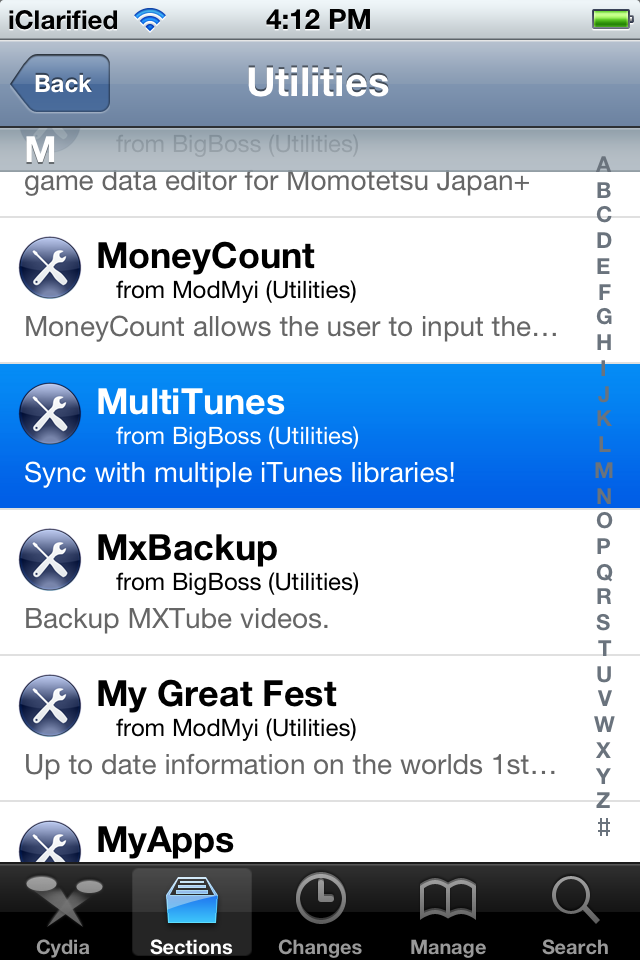
Choose MultiTunes from the list of packages.


Step Five
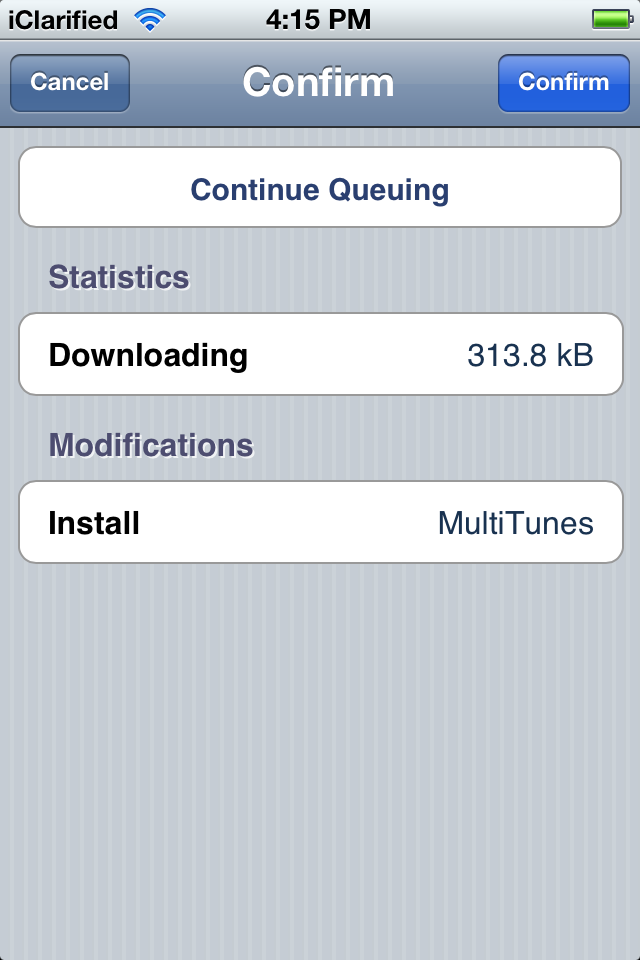
Press the Install button at the top right of the screen.


Step Six
Press the Confirm button to begin installation.


Step Seven
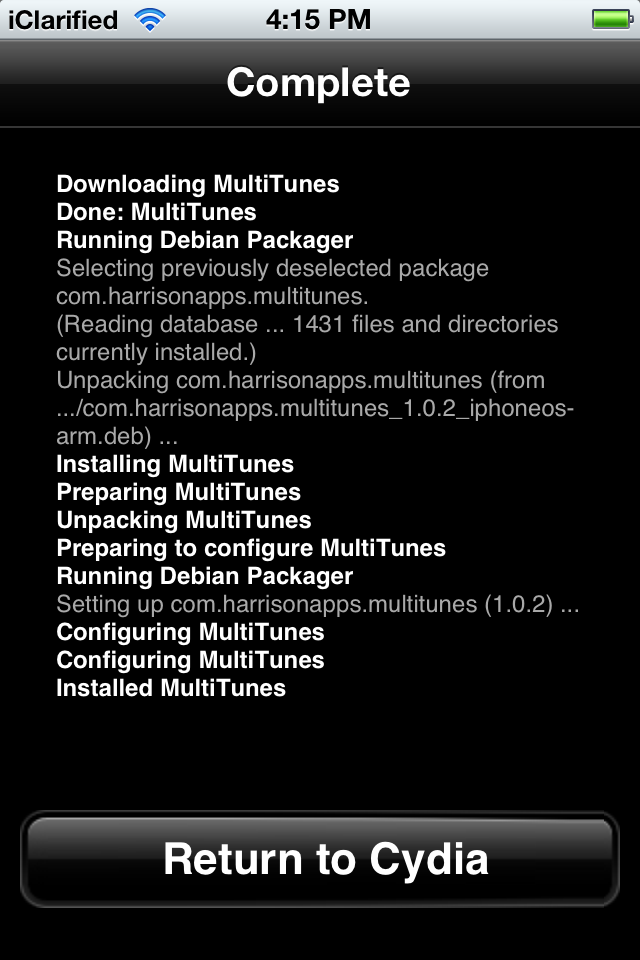
Once the installation has completed successfully press the large Return to Cydia button.


Step Eight
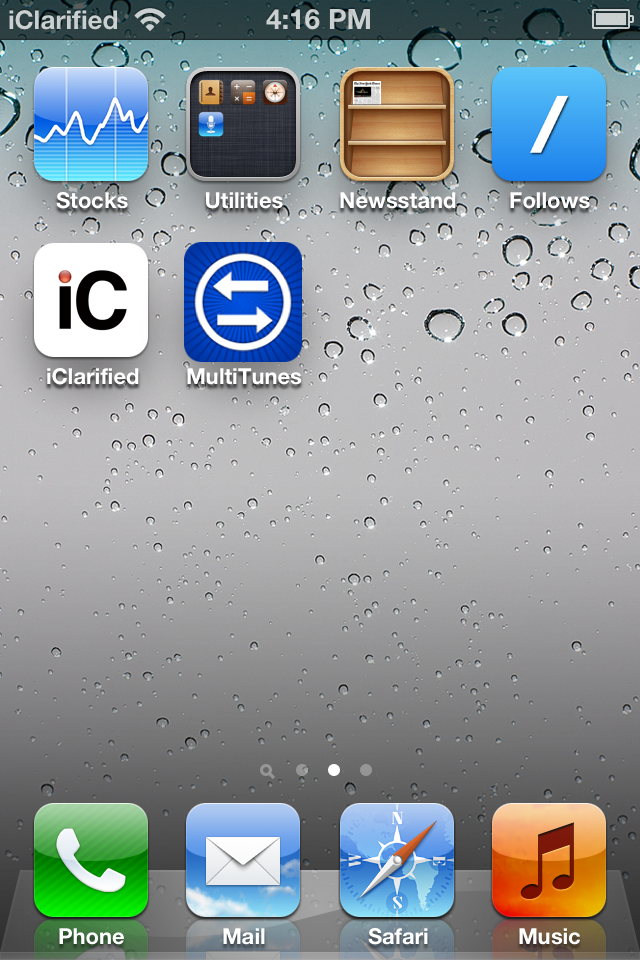
Press the Home button to return to your SpringBoard and launch MultiTunes.


Step Nine
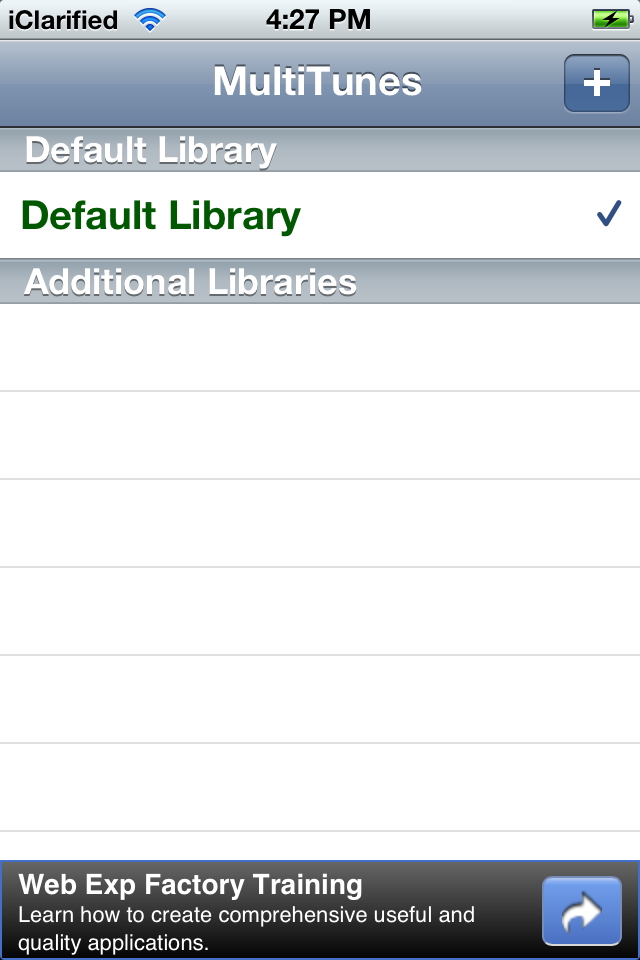
Press the + button at the top right of the screen.


Step Ten
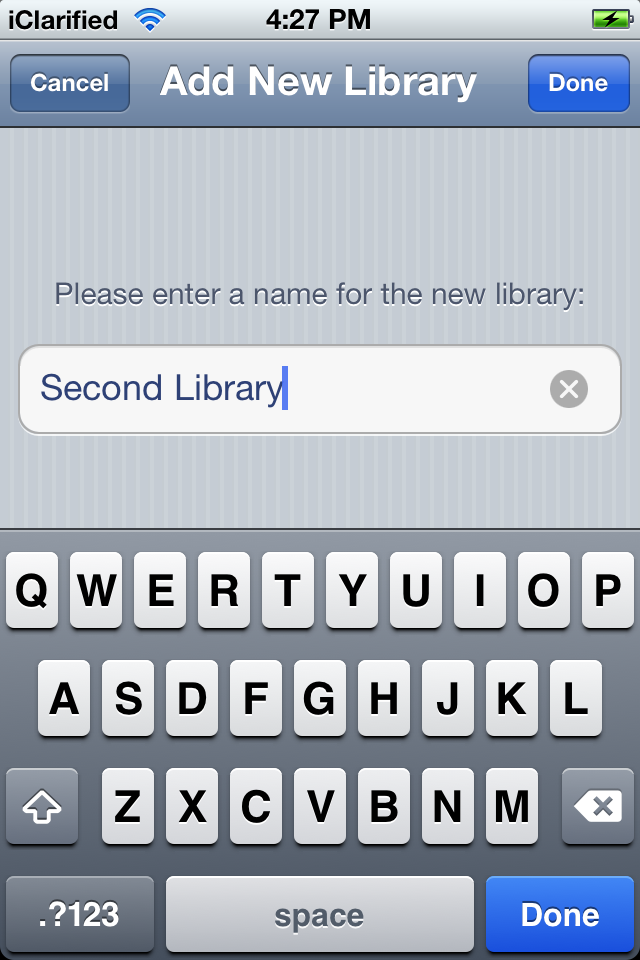
Enter a name for a second library to be synced to your iOS device and press the Done button.


Step Eleven
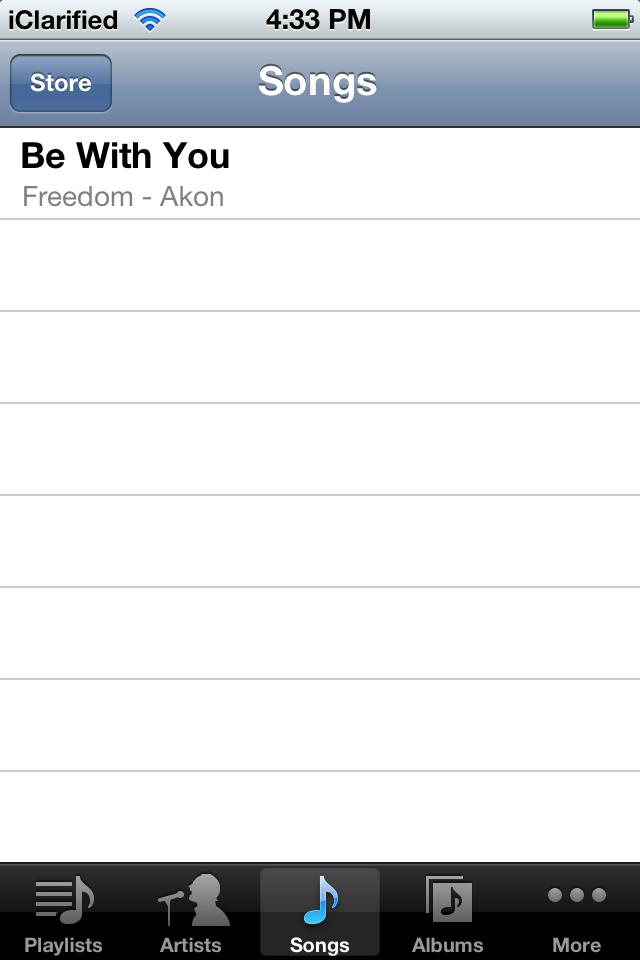
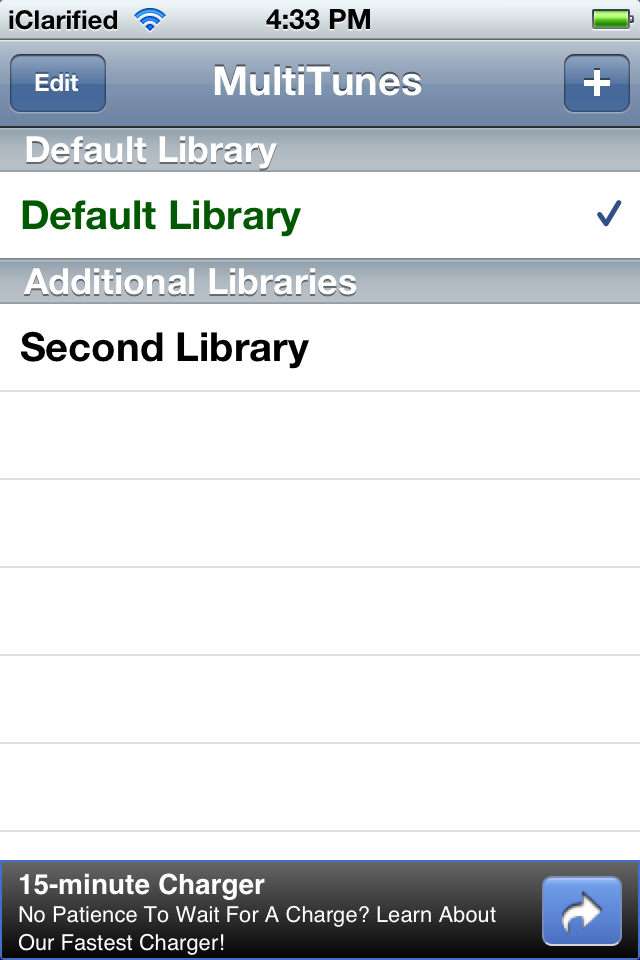
Select the library you just created from the list and then connect your device to iTunes and sync with the new library.

***Important: This app does NOT sync apps with multiple libraries, so be sure to only sync apps with your default library. Before downloading content from the iTunes app, make sure your default library is selected in this app. Otherwise, your content may not download properly.


Step Twelve
You can now open at MultiTunes at any time to switch libraries.

Wednesday, February 1, 2012

Update to Corona Untethered Jailbreak Released

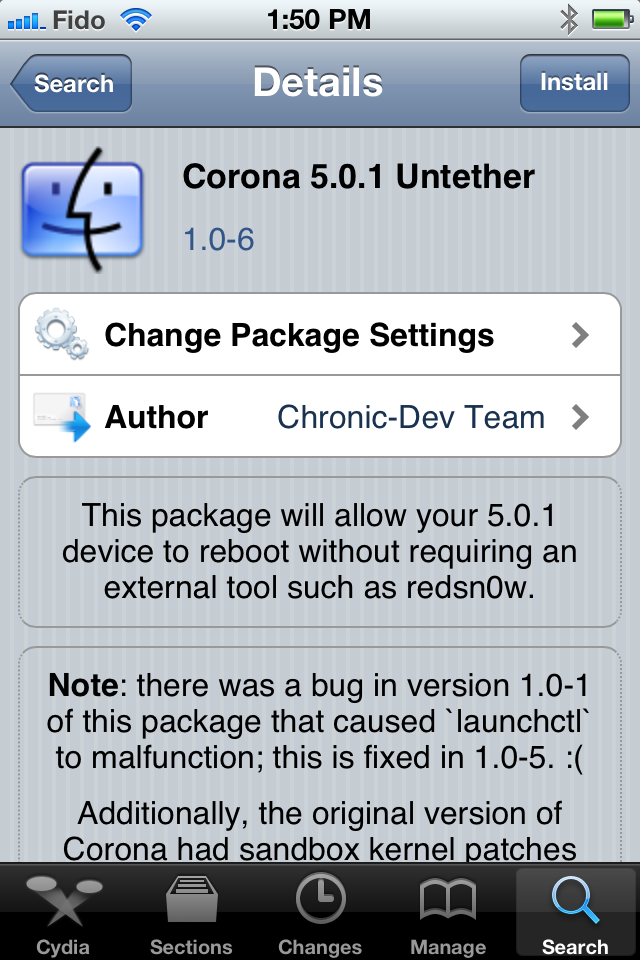
An update to the Corona Untethered Jailbreak for iOS 5.0.1 has been released in Cydia.

Saurik notes that all users jailbroken on iOS 5.0.1 should install the update.

@planetbeing put a lot of work into solving iBooks image loading bugs. All users (however jailbroken) on 5.0.1 should install.

So, most of the feedback I have received from "all users (however jailbroken) running 5.0.1" has been "even me? I did X.": yes, even you. ;P

You can find the Corona package in the System section of Cydia.

Update:
This doesn't apply to "old bootrom" iPhone 3GS users.

Read More


Fix caller name is not displayed on khmer carrier in iPhone 4.x and iPhone 5.x

- Goto Cydia add source : http://reak.host.org
- Install "Khmer CallerID-Format Fix..."

- Respring and enjoy.